
Immersive Technology Workshop by UFO Schools and Microsoft
Immersive Technology Workshop
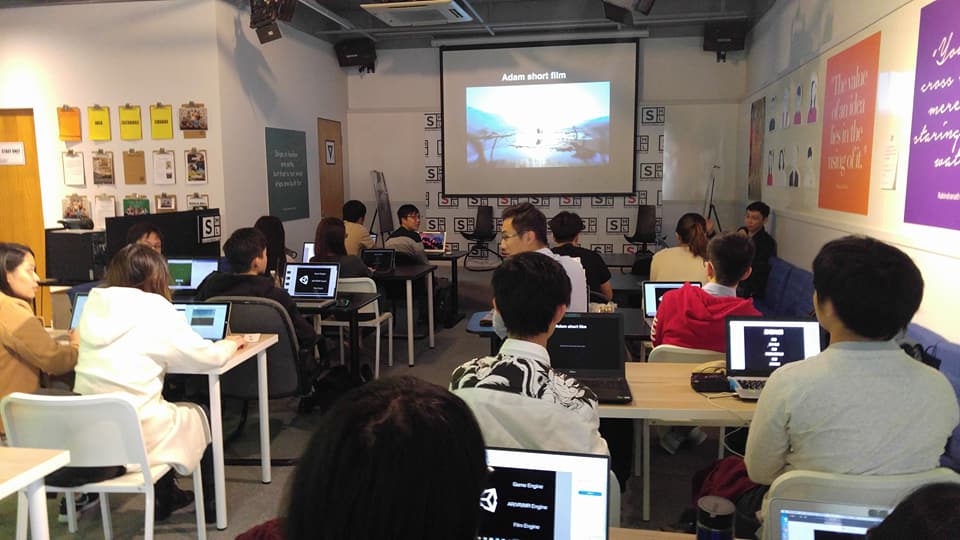
It was an Microsoft hosted workshop meant specifically for Microsoft Student Partners(MSPS) to make them aware about Microsoft’s Hololens technology and UNITY. Since, it was too much to get covered in a day so the workshop was divided into two days. The first day was mostly teaching related to the subject matter and the second day was focused more on practical work followed by a final test to inspect our knowledge bank’s recent additions. In short, the main aims of the two days extensive workshop was to make MSPs familiar with production tool, acquainted with MR(Mixed Reality)/VR(Virtual Reality)/AR(Augmented Reality) and finally making a holographic application.
Immersive Technology-I
The workshop started with the brief introduction of Microsoft’s Hololens technology. It was in fact the best part of the workshop because each one of us was actually given the task to locate an object while wearing the Hololens and it was pretty fun doing so. Before that the instructor gave told us about the way the sophisticated device works. We finch the device by showering our fingers from a single point into a burst open circular shaped pool. The Hololens will detect the action and get started. Thereafter there are wide range of functions available in this tiny yet very pragmatic instrument. It can detect gaze, recognize gestures and can even identify voices. You can even use hand gestures to interact with the three-dimensional images by raising and lowering your finger. What makes this most convenient is its user-friendly functions.
Other than the practical fashion of using the equipment, in-depth knowledge of what is going beyond the user’s scope was what we looked into throughout the first phase of the day. “Spatial Mapping” and production of “Holograms” was what we intensified on. Hololens is loaded with surfeit sensors to sense any type of movements which is then displayed to the viewer using the colored glasses which you one can explore with different angles and different aspects. An incredible feature present inside those goofy glasses is the inclusion of a camera that captures all various types of objects present and loads extensive data related to all those objects thus making the interior view of those objects available for viewing which means that the material which the object is made from and the central shape could be determined with this miniature tool thus making it distinct among all other technical devices.
Ranging from video calling and watching movie to fixing a wire everything has become to easy to deal with after the invention of such a fine technology of Microsoft Hololens. One can now view what the person is looking towards using the camera on eye of the person while talking to the second person on video chat. After getting a full grip on Microsoft Hololens, we learned UNITY. UNITY is an application which has various uses such as Film Engine, Game Engine, AR/VR/MR Engine etc. It has a wide range of functions, nevertheless, our main task was to focus on holographic application. In order to build that first we were required to become fully proficient in the UNITY’s functions. Even though most of the MSPs were already quite well-aware of UNITY’s operations but still some of those needed a brief introduction.
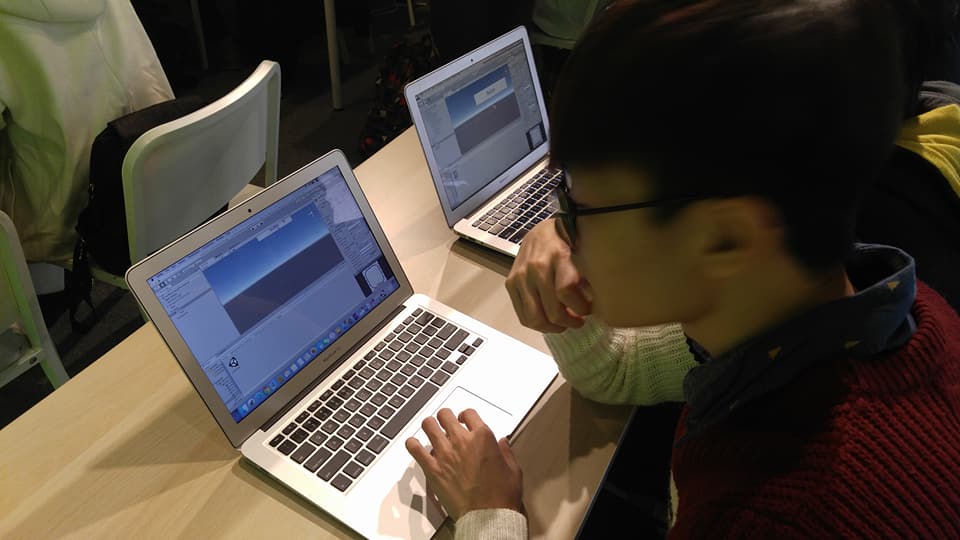
As far as I remember we were given basic knowledge of some of the tabs such as Hierarchy, Inspector, Project, Scene, Console, Asset Store and Output. Under these tabs there are diversified tasks that we can make use of in the project we are working on in UNITY. A succinct description of each of these markers is as follows:
Hierarchy: The purpose of Hierarchy is that it provides an outline view of object in the scene including the duplicates, It shows object that are included in the scene. We can use it to view objects, prefabs, create object, parent and search and modify object by name etc.
Inspector: The functionality is to work with components of a particular object in the UNITY editor. We can use it to reset a component of a game object.
Project: It is the place where everything in the game will be sorted and categorized so that we can access and use them optimal. We can discard or store files and search using filters. We can even scale the UI.
Scene: It is where we assemble the part of the game. We can navigate around the game and get what we want easily. We can orbit around the scene, pan side by side and even zoom the scene view. One can use axis to spin the scene around and filter the scene view such as enabling lighting and sound, turning on and off different gizmos, shifting to 2D/3D modes.
Console: It helps with debugging. It lists logs, warning and errors across building of games. It gets everything running smoothly and optimized for platform.
Asset Store: It contains a variety of assets which maybe paid or free of costs. Type of assets includes 3D models and scripts. Some of the benefits of the specifically UNITY’s asset store includes that the assets pre-built and saves much time and effort, are licensed per team, achieve good results with small teams, cheaper than hiring a developer ad artist and assets are free to distribute in games. Additionally, assets are download integrated which means that they will get downloaded and automatically transferred to the UNITY without the need to open the web browser.
Output: There’s a section in unity called Build where can export our project to form a separate shortcut. After getting a terse intro on UNITY the day’s planned schedule was completed.
Immersive Technology-II
Most of the learning outcomes were already achieved on the first day; the second day was more about applying the knowledge to a practical task and testing the knowledge delivered to us during the first day. We made an AR application using “UNITY” and “VUFORIA”.
We used UNITY to impose different features(using the C# scripts) in our Unity Chen Object which was downloaded from the asset store.
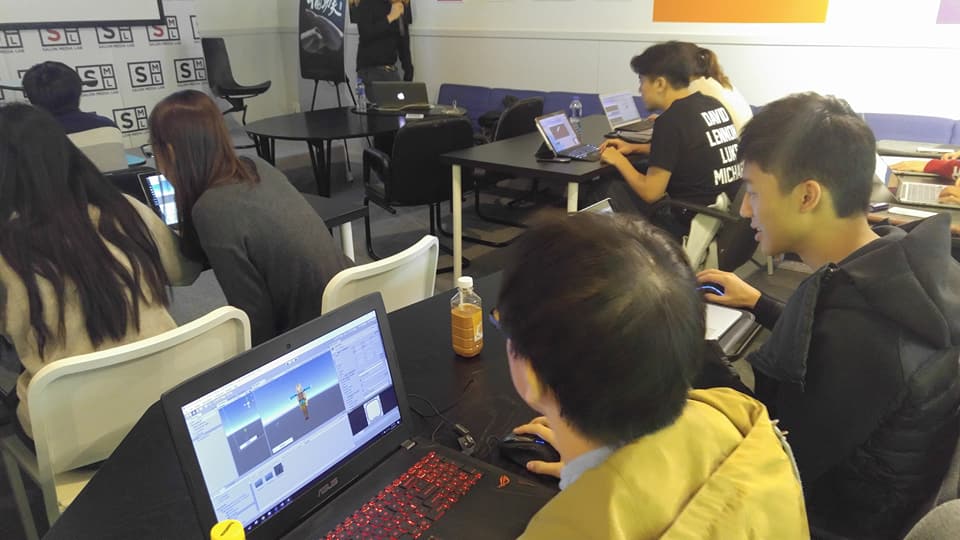
VUFORIA is a platform that is used as an AR/MR tool recognition. It can recognize 2D imaged, 3D models and complex environments(terrains). Other than Vuforia we can also use ARKit, ARCore, OpenCV etc. So first of all, we get our license on Vuforia then created our first target database and eventually created our first AR application.
Finally, we were given a small theoretical and practical test ensure that we’ve fully understood UNITY’s core function and steps to make an AR and Holo application.
Note: This workshop was led by an instructor of UFO Schools which is a profound and revolutionary IT academy. It is one of the Microsoft Partner Learning Centers. It offers both online and offline IT Technology training based on the official curriculum from Google, Microsoft, UNITY and Autodesk.

Leave a Comment